QUESTION:How do I set up customer support on Shopify?
ANSWER:Map a month of questions, write policies, publish an FAQ, add Shopify Inbox for on-site chat, add a social comment-to-DM path if comments already ask for price or links, then set escalation rules and measure first response time.

QUESTION:Does Shopify have built-in customer support tools?
ANSWER:Yes, for talking to your shoppers: Shopify Inbox (chat, instant answers, optional Inbox agent), store policies, pages for FAQs, and Shopify Flow for routine messages. Sidekick helps you inside admin. Shopify does not give every plan a full helpdesk.

QUESTION:What is the best way to automate Shopify customer support?
ANSWER:Automate WISMO, sizing, shipping windows, and “send the link.” Keep refunds and disputes human. Train any bot on policies you have actually published. On Instagram, automate the first DM from a keyword comment; do not automate the refund.

QUESTION:How many support channels should a Shopify store offer?
ANSWER:Two or three you can staff. FAQ plus email is the floor. Add Inbox when product-page questions appear. Add Instagram DMs when comments are already questions. More channels with slow replies is worse than fewer channels with fast ones.

QUESTION:What KPIs should I track for Shopify support?
ANSWER:First response time, CSAT, deflection rate, and resolution rate. If you run social as a channel, add comment reply rate and time-to-DM.

QUESTION:Can AI handle Shopify support in other languages?
ANSWER:Some tools can. Only turn this on if your catalog and policies exist in that language, or if you accept translation risk on fit and legal wording. Escalate anything involving money.

QUESTION:How do I handle Instagram comments as Shopify support?
ANSWER:Treat the comment as a ticket. Reply in public if needed (“sent a DM”), send the product or policy in private, and move refunds to a human. Comment-to-DM automation is how stores do this at campaign volume without living in the app.

QUESTION:Should I use Shopify Inbox or a helpdesk?
ANSWER:Inbox first. Move to a helpdesk when you have a real queue across email, chat, and social, need macros tied to orders, or have multiple agents. Social-first stores can add a DM tool without buying a desk.

QUESTION:Is comment-to-DM part of customer support or only sales?
ANSWER:Both. A “size?” comment is a pre-sale support question. Closing it in DM is how you keep the sale and keep the thread clean.
Key takeaway: Shopify customer support is the system your store uses to answer shoppers before and after a purchase. It is not Shopify’s own Help Center. Build it in three layers — self-service, on-site chat, and social DMs — and match tools to how many questions you get and where those questions start.
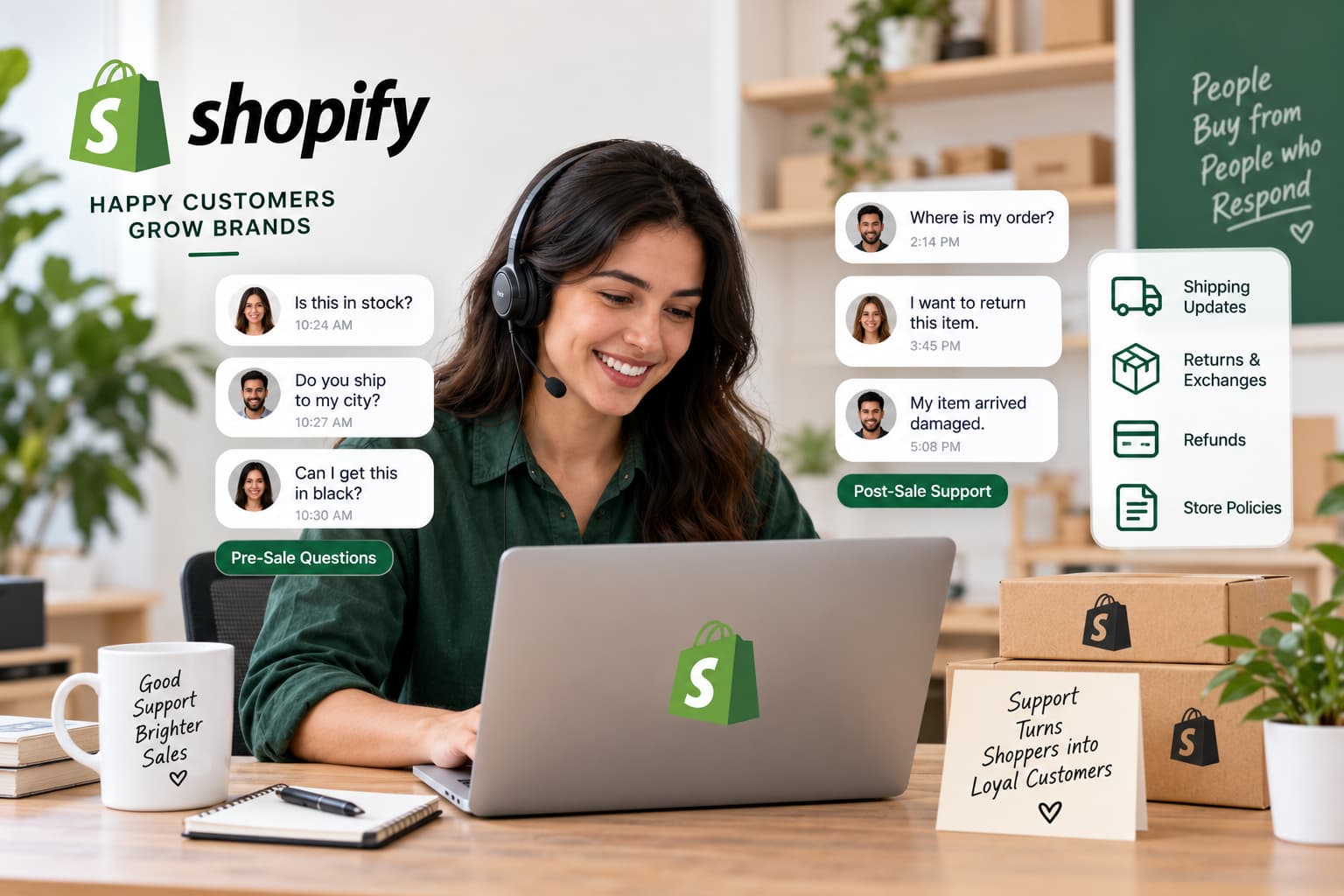
Shopify customer support is how your store answers pre-sale questions (size, price, shipping) and post-sale questions (tracking, returns) across chat, email, WhatsApp, Instagram, Messenger, and a help center.
Slow replies lose sales. Shopify has published that about 70% of Shopify Inbox conversations happen while a shopper is still deciding whether to buy. A public Instagram comment that sits unanswered does the same damage — the shopper may never open your store.
You do not need every channel on day one. You need:
This guide is for store owners building support for customers. If you need help from Shopify itself, jump to How to contact Shopify Support.
People use the same phrase for two different jobs.
| What you need | Who is asking | Who answers |
|---|---|---|
| Help with your Shopify account, billing, or admin | You, the merchant | Shopify Help Center, Sidekick, live chat |
| Help for your shoppers | Your customers | Your chat, email, WhatsApp, Instagram DMs, and FAQ |
If checkout is broken, billing looks wrong, or an app failed to install, start at the Shopify Help Center.
If a shopper is asking “where is my order?”, “does this ship to Mumbai?”, or commenting “price?” on a Reel, that is the system this guide builds.
Shopify customer support is the set of channels, tools, and rules a merchant uses to answer shopper questions before and after a purchase.