This guide provides the most effective tags and techniques for prompting Eleven v3, including voice selection, changes in capitalization, punctuation, audio tags and multi-speaker dialogue. Experiment with these methods to discover what works best for your specific voice and use case.
Eleven v3 is in alpha. Very short prompts are more likely to cause inconsistent outputs. We encourage you to experiment with prompts greater than 250 characters.
The most important parameter for Eleven v3 is the voice you choose. It needs to be similar enough to the desired delivery. For example, if the voice is shouting and you use the audio tag [whispering], it likely won’t work well.
When creating IVCs, you should include a broader emotional range than before. As a result, voices in the voice library may produce more variable results compared to the v2 and v2.5 models. We’ve compiled over 22 excellent voices for V3 here.
Choose voices strategically based on your intended use:
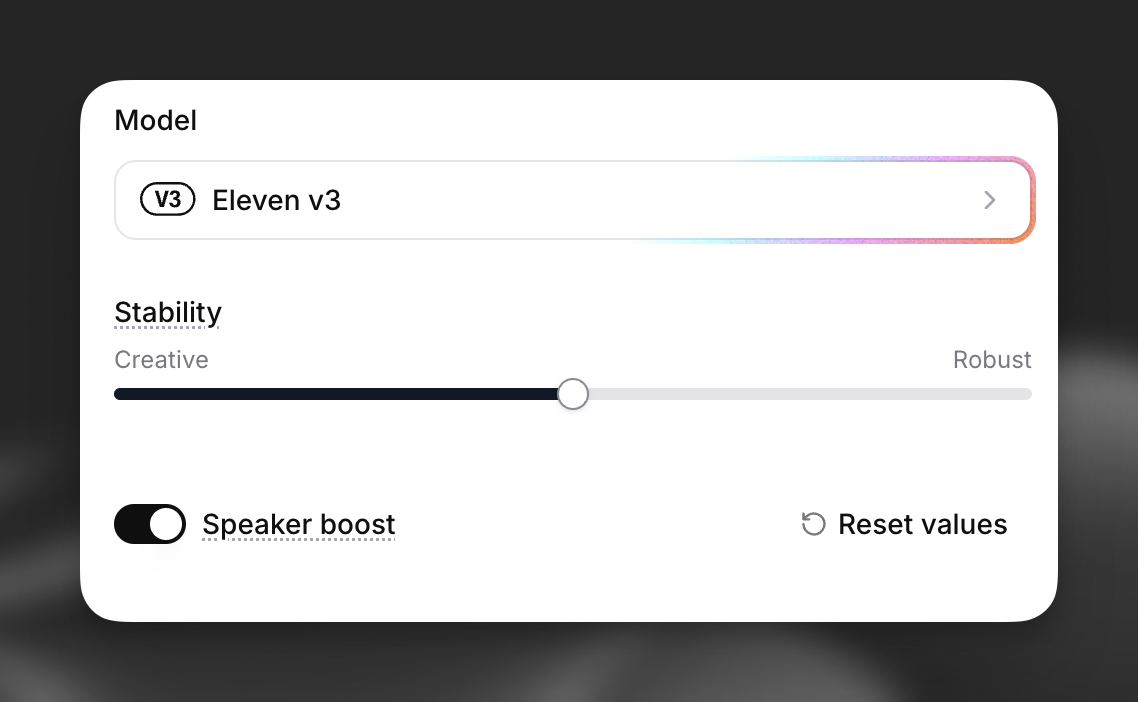
The stability slider is the most important setting in v3, controlling how closely the generated voice adheres to the original reference audio.
For maximum expressiveness with audio tags, use Creative or Natural settings. Robust reduces responsiveness to directional prompts.
Eleven v3 introduces emotional control through audio tags. You can direct voices to laugh, whisper, act sarcastic, or express curiosity among many other styles. Speed is also controlled through audio tags.