What is ping?
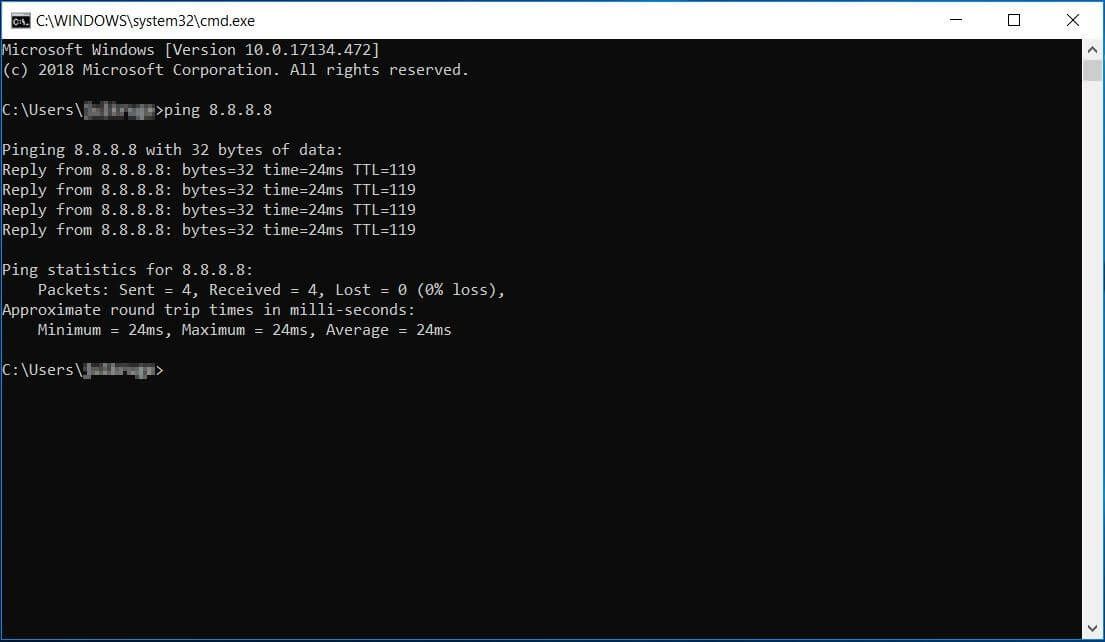
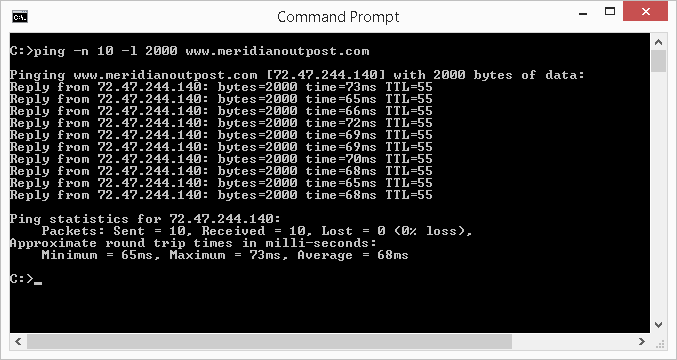
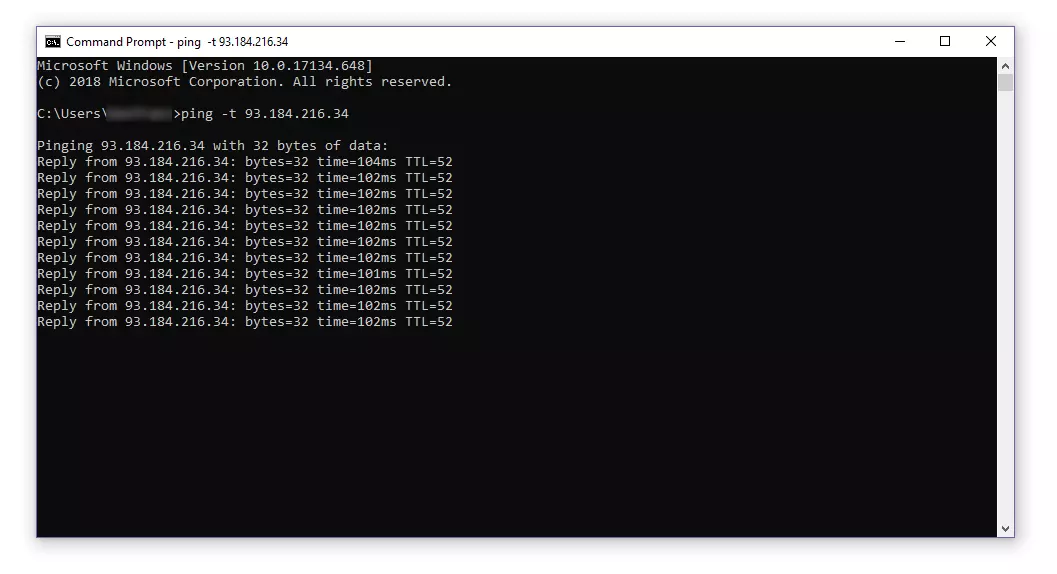
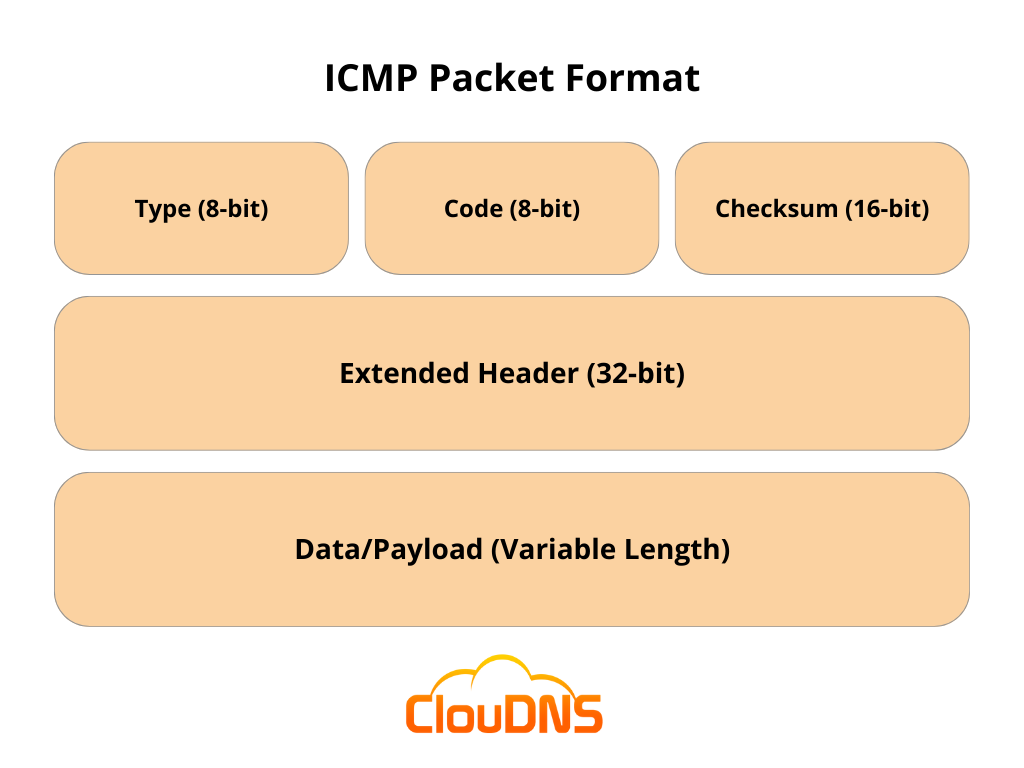
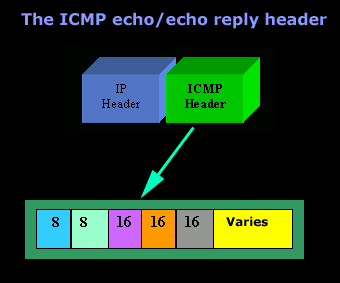
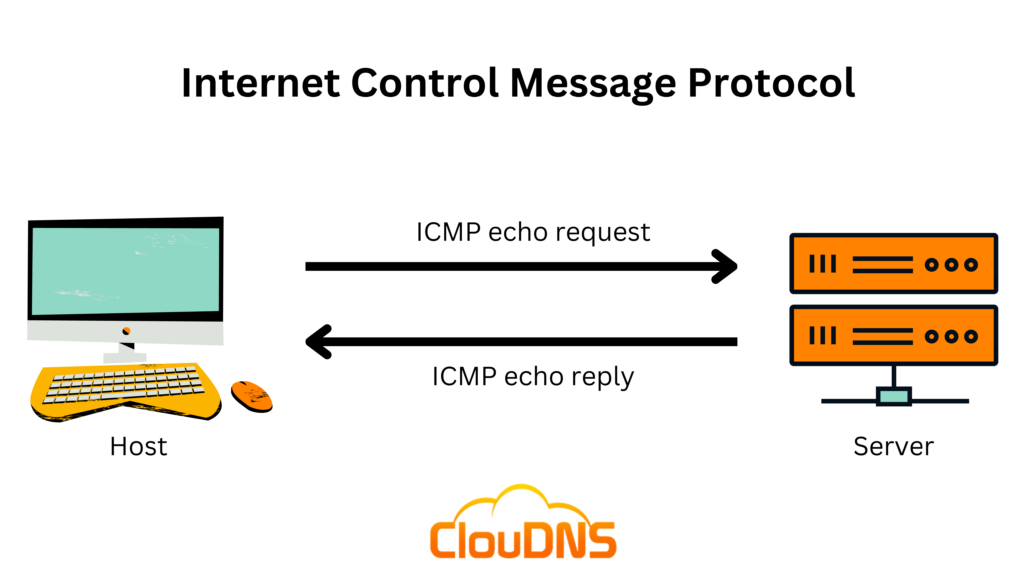
ping is a fundamental command-line network diagnostic tool that uses ICMP (Internet Control Message Protocol) Echo Request and Echo Reply packets to test reachability of a host, measure round-trip time (RTT), and detect packet loss. It sends small data packets to a target IP or hostname and waits for responses, displaying statistics like latency and success rate. Key characteristics include cross-platform availability (Windows, Linux, macOS), simple operation, and reliance on ICMP (often blocked by firewalls).

Why Understand ping?
- Core troubleshooting tool: Quickly verifies connectivity, latency, and basic network health.
- Offensive relevance: Used in reconnaissance to confirm live hosts, map networks, or flood targets (ping flood).
- Defensive risks: ICMP abuse enables DoS attacks; excessive responses leak host presence.
- Often the first step in diagnosing outages—high packet loss or timeouts indicate issues.
ping is indispensable for network admins and security pros alike—simple yet powerful. 🔒
Common Use Cases
- Testing if a host is online and responsive.
- Measuring network latency and jitter.
- Debugging routing or firewall issues.
- Basic performance benchmarking between endpoints.
Exploitation Examples
Host Discovery in Scanning